
cobotvnc: Remote access for universal robots
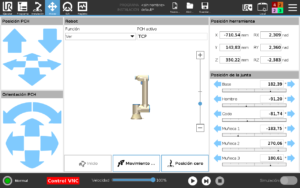
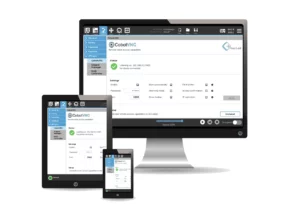
View the teach pendant interface, program the robot and transfer files from any VNC-compatible device connected to the same local network.
Robots
UR e-Series / CB-Series
Connection
Ethernet · local network
Licence
Perpetual · linked to the robot
PolyScope
5.3.0 / 3.9.0 or higher
Languages
Spanish · English · German
Key cobotvnc features
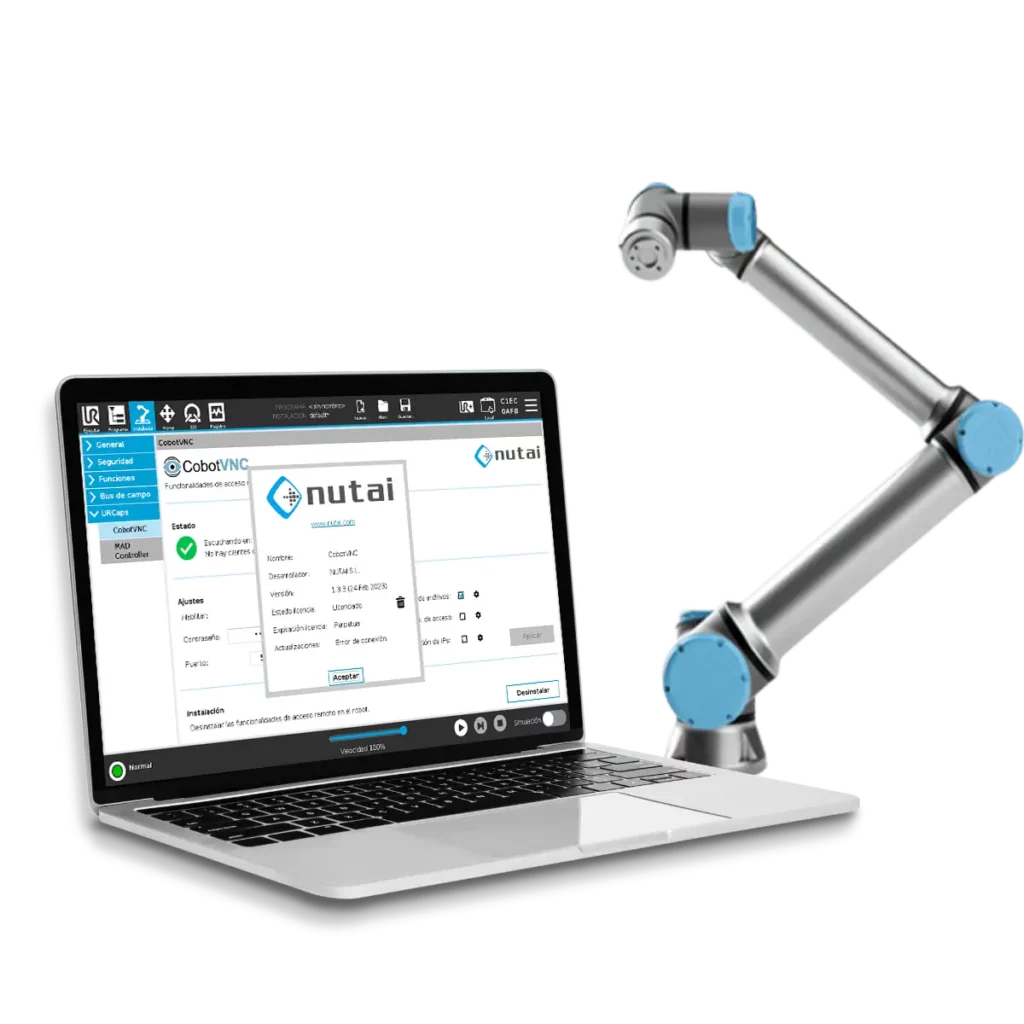
Configure how each user can connect
Remote Control
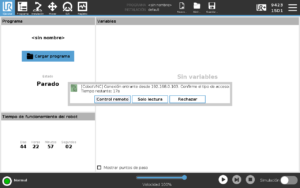
Allows users to interact with the robot’s available functions through the VNC client.
- Remote control point active
- Bidirectional file transfer
- Touchscreen temporarily disabled
View Only
Allows users to view the teach pendant screen without permitting remote interaction.
- Supports multiple connected clients
- No interaction with the interface
- File transfer disabled
CobotVNC is a Universal Robots-approved URCap, developed in accordance with the quality and safety requirements applicable to collaborative robotics.
CobotVNC Applications
Remote Programming
Access PolyScope from a device running a compatible VNC client.
Technical Support
Status monitoring and support during technical interventions.
Diagnostics
Remote review of programs and configurations.
Backups
Export programs and files from the robot.
Program Deployment
Transfer files to the robot controller over the local network.
Training
Display of the robot interface during training sessions.
Companies Using CobotVNC
















How CobotVNC Works: Remote Control in 3 Steps
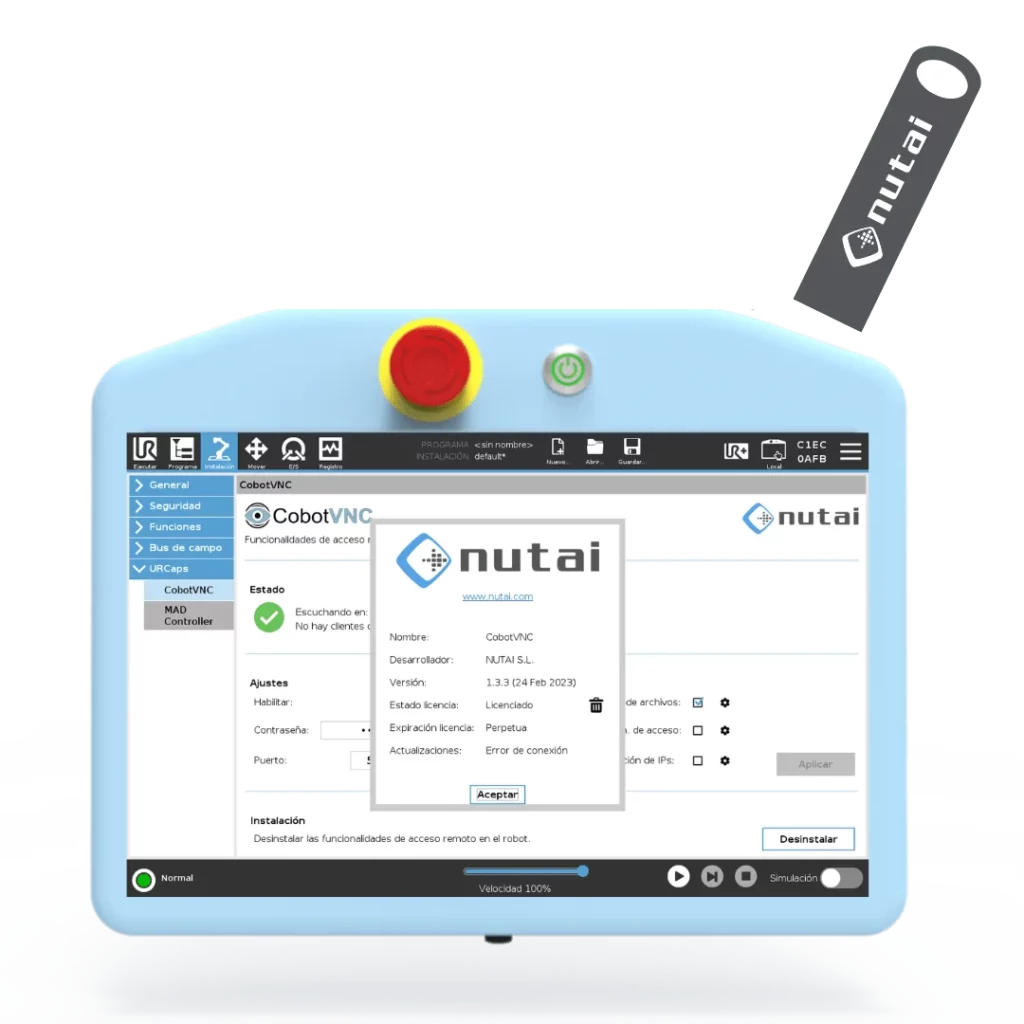
Install the URCap
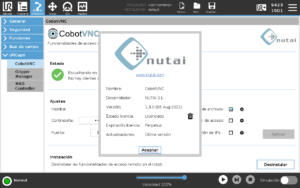
Copy the installation file to a USB drive, install CobotVNC and enter the licence key.
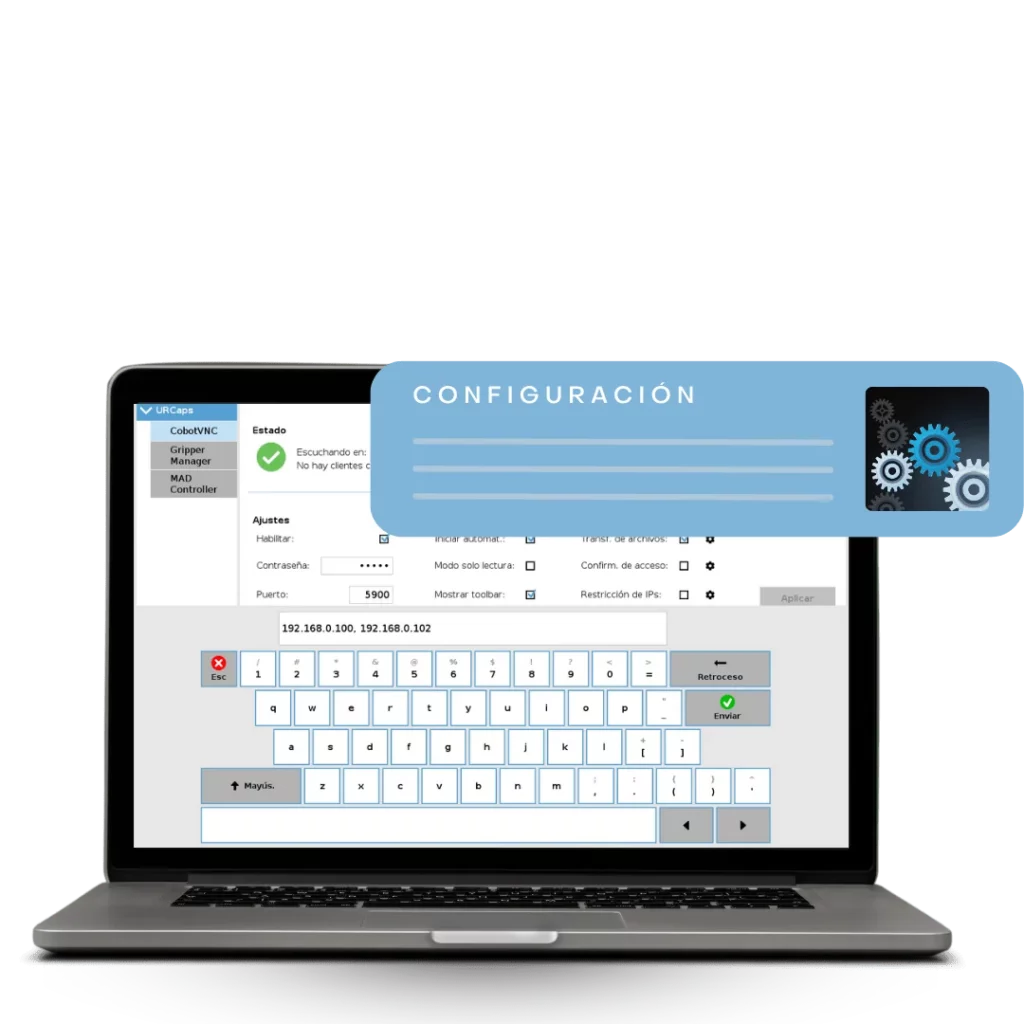
Configure the Server
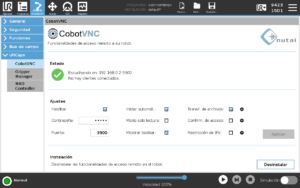
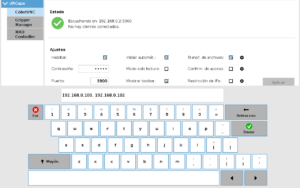
Set the password, port, access mode and required permissions.
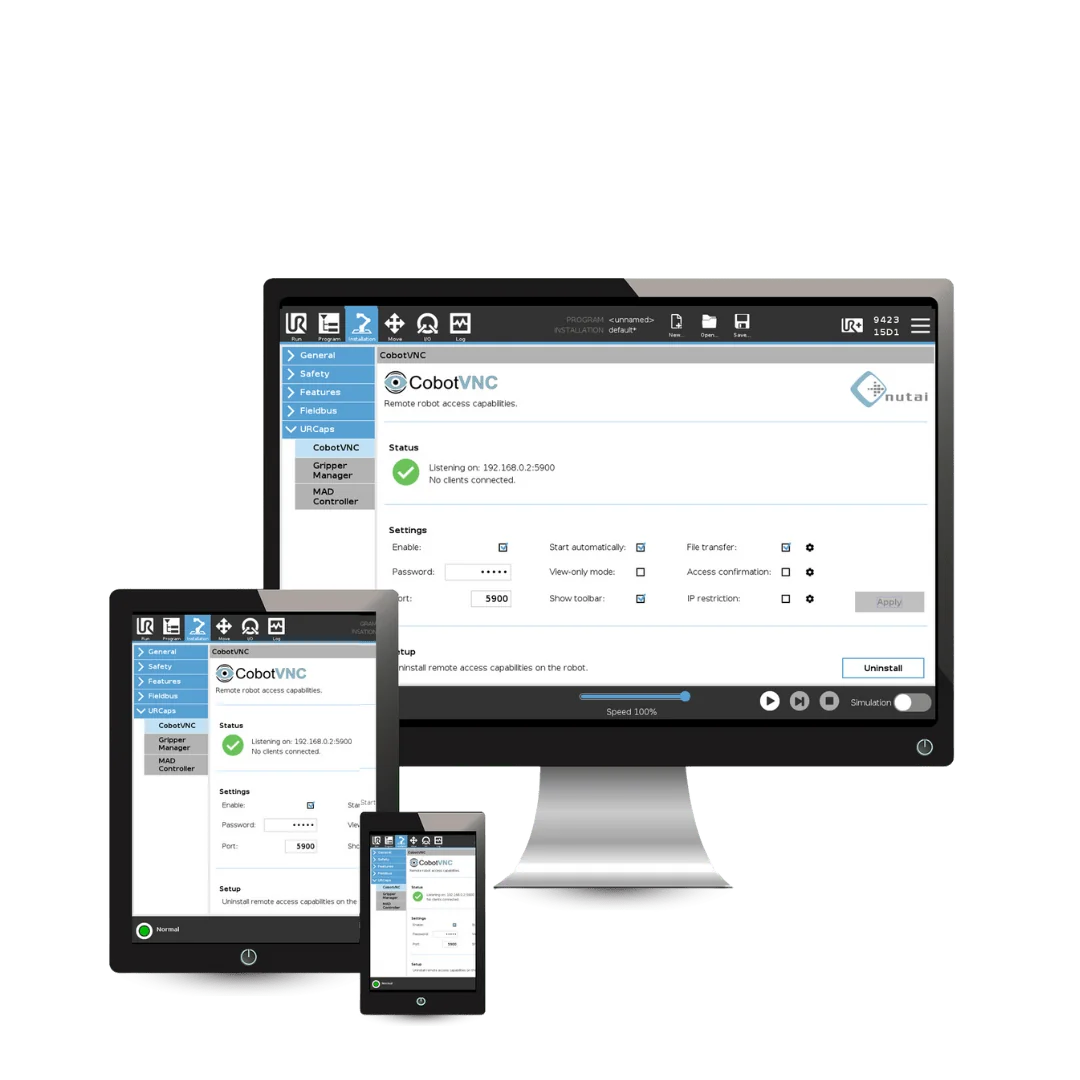
Connect the VNC Client
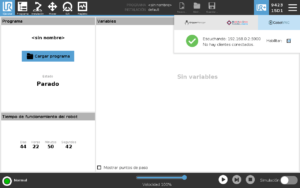
Access the robot from a device running a compatible VNC client and connected to the same local network.
CobotVNC Documentation and Files
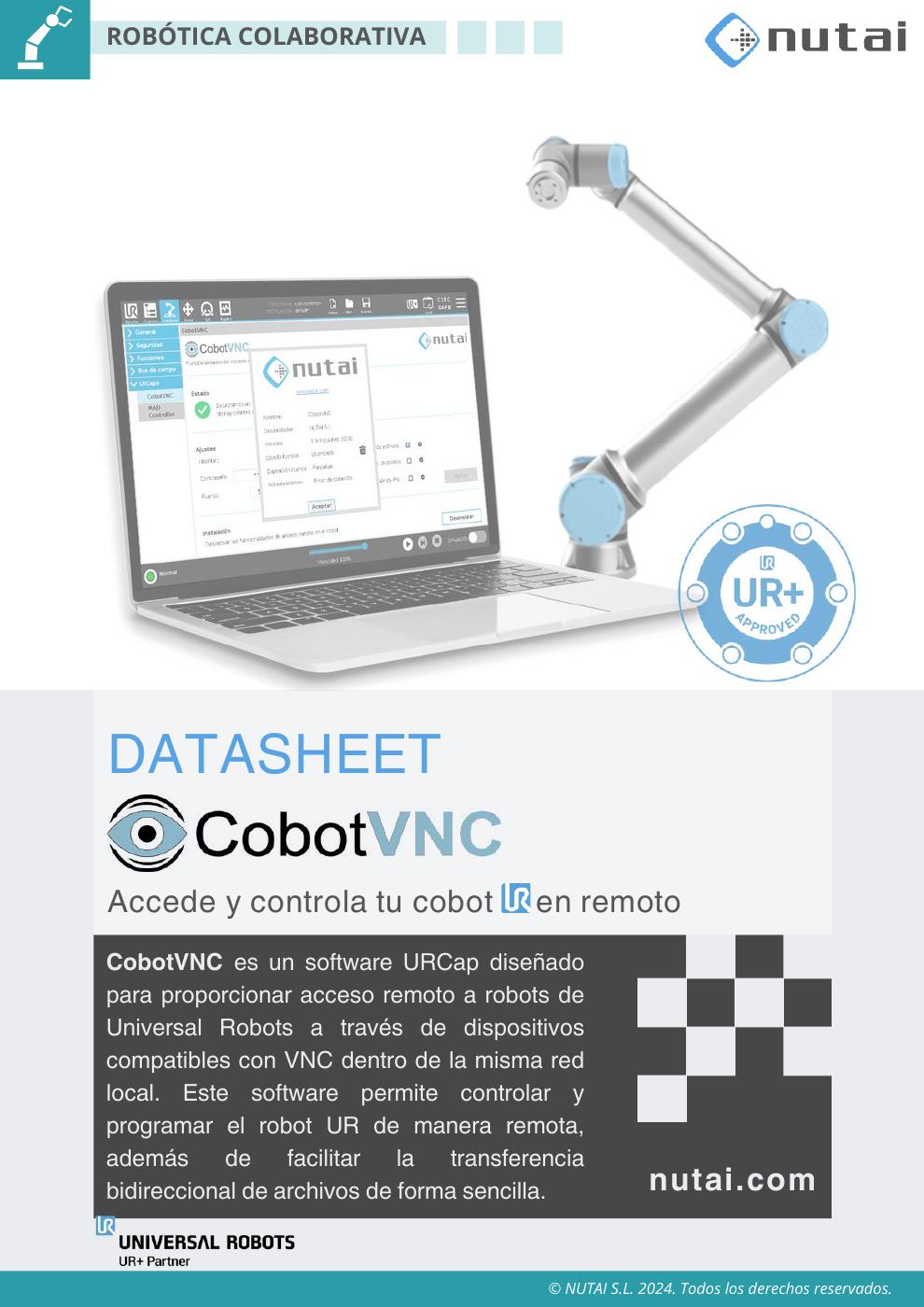
ACCESS YOUR COBOT REMOTELY


Frequently Asked Questions (FAQ)
Try CobotVNC


